
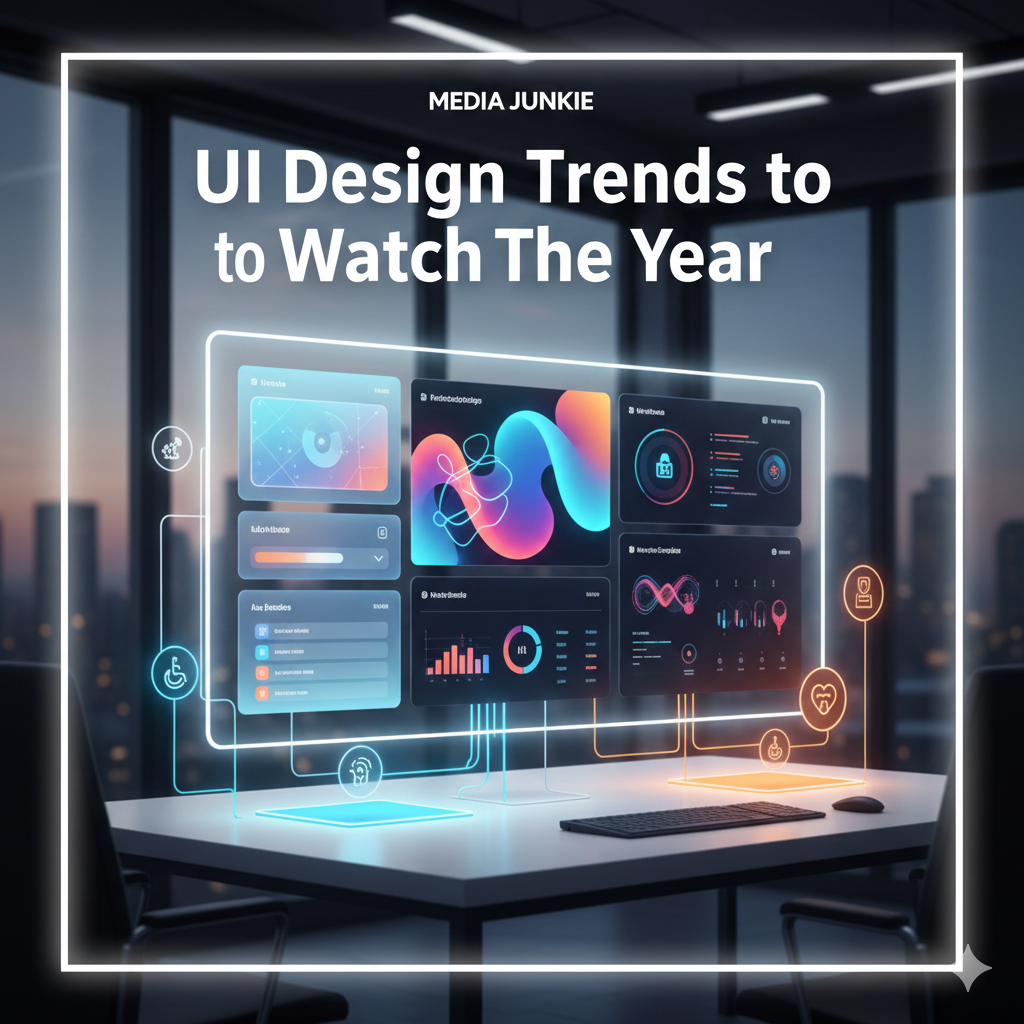
UI Design Trends to Watch This Year
Introduction
The digital interface landscape is evolving faster than ever. As we move through 2026, user expectations demand interfaces that are not only visually striking but also intuitive, accessible, and adaptable. UI design is no longer just about aesthetics—it's about crafting experiences that engage, guide, and delight users.
In this comprehensive guide, we explore the most impactful UI design trends in 2026 that every designer, developer, and digital product strategist should know. These trends combine creativity, technology, and user-centric principles to define the future of digital experiences.
1. Bento Box Layouts: Modular Content Reimagined
Inspired by Japanese bento boxes, modular grids have evolved into highly flexible layouts for both web and mobile interfaces.
Key Characteristics
-
Asymmetrical, modular grid systems that adapt to screen sizes
-
Harmonious arrangements of mixed content types—images, videos, and text
-
Dynamic visual hierarchy created by varying block sizes
-
Rounded corners and subtle shadowing for depth and focus
Why It Matters in 2026:
Bento box layouts allow users to digest complex content easily while maintaining engagement. With AI-powered layout tools, designers can now automatically generate optimized grid arrangements based on user behavior and content importance.
Pro Tip: Use bento grids to highlight priority content without overwhelming the user. Combine with hover effects and subtle animations to enhance engagement.
2. Glassmorphism Evolution: Subtle Depth and Transparency
Glassmorphism, the frosted-glass effect, has moved from novelty to refined design language. In 2026, subtlety and context are key.
Modern Implementation
-
Blur effects of 10–20px to create depth
-
Multi-layered transparency for content hierarchy
-
Carefully balanced contrast for readability
-
Strategic application in cards, modals, and navigation panels
Why It Matters:
Glassmorphism enhances the visual appeal without compromising UX, creating a sense of depth and modernity that feels alive on both desktop and mobile interfaces.
3. Micro-Interactions and Motion Design
Motion is no longer decorative—it’s functional. Micro-interactions provide feedback, guide user behavior, and make interfaces feel responsive and alive.
Effective Implementations
-
Button States: Hover, active, and loading animations
-
Page Transitions: Smooth and contextual animations
-
Scroll Animations: Elements that animate as they enter view
-
Form Feedback: Visual confirmation for input accuracy
-
Loading States: Skeleton screens and progress bars for better perception of speed
Expert Tip: Subtle motion that feels natural improves usability and reduces cognitive load. Avoid over-animating; the goal is clarity, not distraction.
4. AI-Generated and Dynamic Visuals
AI is revolutionizing content creation for UI design. In 2026, AI tools allow for rapid generation of visuals tailored to user behavior and brand identity.
Applications
-
Custom illustrations generated from descriptive prompts
-
Dynamic backgrounds that respond to scrolling or interaction
-
Personalized imagery for logged-in users
-
Generative patterns, textures, and icons for scalable design systems
Pro Tip: Use AI responsibly—ensure generated assets are consistent with brand guidelines and accessible for all users.
5. Dark Mode as the Default Design
Dark mode has become more than a choice—it's increasingly the default for apps and websites, optimized for OLED and AMOLED screens.
Best Practices
-
Use dark gray (#121212) instead of pure black (#000000)
-
Maintain WCAG AA contrast standards
-
Adjust color saturation to reduce eye strain
-
Use elevation and layering to convey hierarchy
-
Always offer a light mode toggle for user preference
Why It Matters:
Dark interfaces not only reduce eye fatigue but also enhance battery life on mobile devices, aligning UX with both functionality and aesthetics.
6. 3D Elements and Immersive Experiences
Web technologies like WebGL and libraries such as Three.js have made 3D interfaces more accessible and performant.
Implementation Tips
-
Use 3D sparingly for focal points, not entire layouts
-
Optimize assets for performance: compress models, use Level of Detail (LOD)
-
Provide fallbacks for older browsers
-
Respect user preferences for reduced motion
Impact in 2026:
3D adds depth and interactivity that can make digital products memorable, particularly for e-commerce, gaming, and brand storytelling.
7. Variable Fonts and Creative Typography
Typography is no longer static. Variable fonts allow dynamic weight, width, and slant adjustments for responsive and interactive text.
Creative Uses
-
Dynamic weight shifts on hover or scroll
-
Responsive scaling across devices and breakpoints
-
Animations using variable font axes
-
Custom display fonts for hero sections or headers
Pro Tip: Combine variable fonts with micro-interactions for unique, memorable typography that enhances readability and engagement.
8. Sustainable and Accessible Design
Sustainability and accessibility are no longer optional—they’re a baseline expectation.
Key Considerations
-
Minimize HTTP requests and file sizes for eco-friendly digital performance
-
Use system fonts and efficient media formats
-
Ensure keyboard navigability and screen reader support
-
Provide descriptive alt text for images and visual content
-
Test color contrast, readability, and font scaling
Why It Matters:
Accessible, sustainable design increases reach, improves SEO, and demonstrates corporate responsibility.
Conclusion
The UI design landscape in 2026 emphasizes purposeful design, usability, and seamless interaction. Trends like bento layouts, glassmorphism, micro-interactions, AI-generated visuals, dark mode, 3D interfaces, variable fonts, and sustainable design are shaping a future where interfaces are not only beautiful but smart, adaptive, and inclusive.
At Media Junkie, we combine cutting-edge design trends with user-centric principles to craft digital experiences that engage, delight, and perform. Contact us today to elevate your UI/UX strategy and bring your digital vision to life.